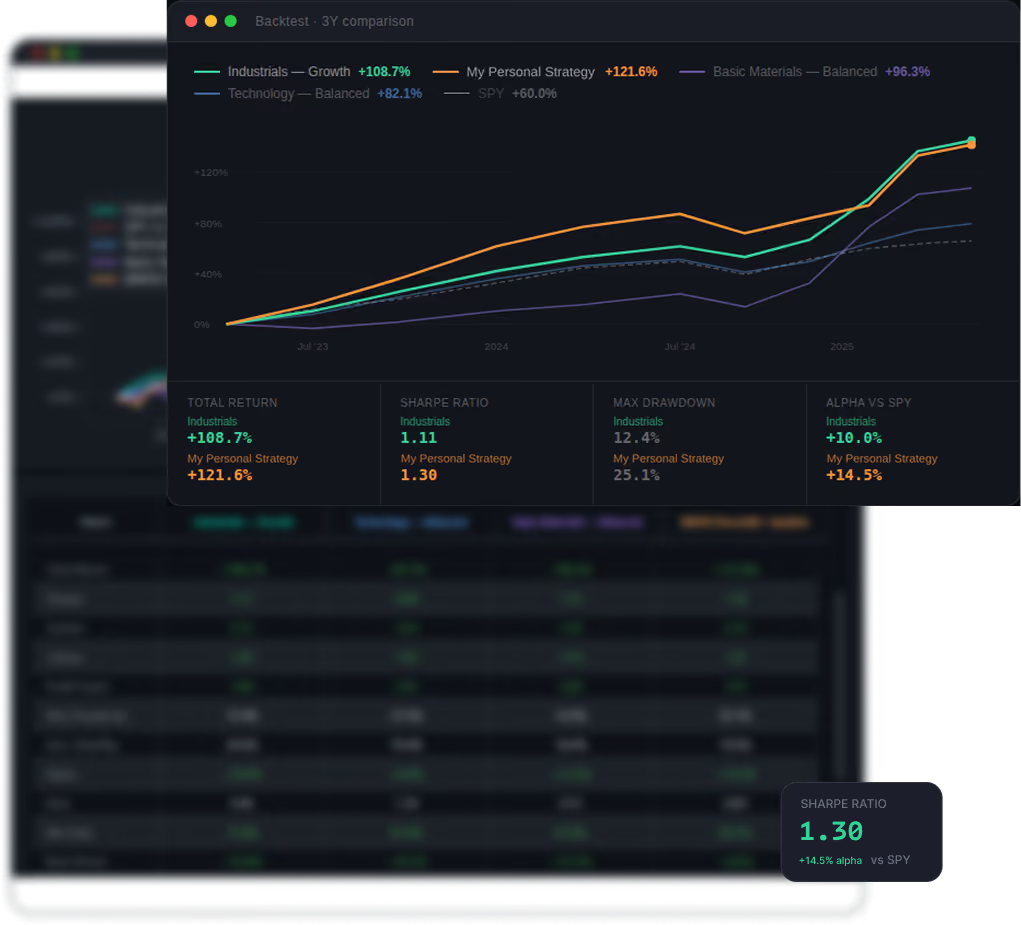
QuantAscent Technologies LLC is a software company. It is not a registered investment adviser, broker-dealer, or financial planner, and nothing on this site or in the application is investment, financial, legal, or tax advice, or a recommendation or solicitation to buy, sell, or hold any security. Strategies, screens, and backtests are analytical tools that you select, configure, and act on; they are not tailored to your financial situation, objectives, or risk tolerance. Performance figures shown on this site are hypothetical and backtested unless expressly labeled otherwise; they are not actual trading results and are not a guarantee or prediction of future performance. Investing involves risk, including the possible loss of principal. See our Disclosures, Terms of Service, and Privacy Policy.